
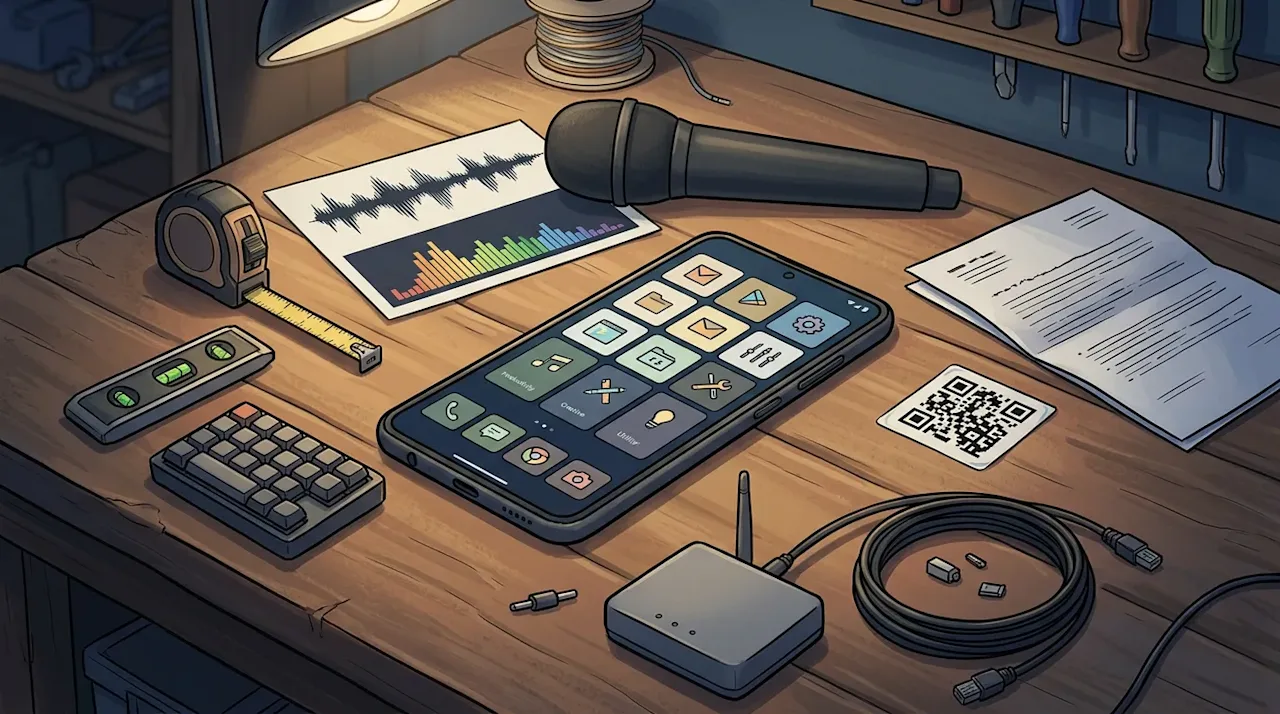
I didn't set out to write a list of favourite Android apps. I set out to see what was actually on my phone (a OnePlus Nord 3), and then made the mistake of also asking Google what I had ever installed. The answer — and I'm a little embarrassed by it — is 1,909 apps.
Most of those were one-afternoon experiments. But somewhere in that pile are the apps I open every day, the ones I've carried from phone to phone for years, and a handful that got me through some rough nights. So I went through them, ticked the keepers and wrote a line on the ones I had something to say about.
The result is a public GitHub repository: 110 apps that are on my phone now, plus 65 from my Play library that I'd still recommend. It's at Favorite-Android-Apps, and that's where the full list lives (as Markdown and as JSON, for anyone who'd rather feed it to something).
GitHub Repository danielrosehill/Favorite-Android-Apps Android apps I actually use and recommend, with a line on why Updated Nov 2026 View on GitHubThis post is the shorter version: the apps I had the most to say about, grouped by what I use them for. Each one has a link to where it comes from, Google Play or F-Droid.
Automation: Tasker and the glue apps
Shizuku and Termux are on the phone for when you need a bit more access than Android would like to give you. But these are the four that earned a note.
Tasker

If I had to keep one app, it would be Tasker. My note on it in the list is one line long and I stand by it: Tasker is the supreme king of Android automation. Around it sits the usual court of joaomgcd plugins (AutoTools, AutoInput, AutoNotification, AutoVoice, AutoRemote), plus Automate and MacroDroid for the jobs where a flowchart is quicker than a Tasker profile.
Key Mapper
The pattern I actually rely on involves a less famous app. Key Mapper intercepts key presses, which sounds dull until you voice-type as much as I do. Binding a macro pad to a dictation app is the obvious use. My usual set-up is a division of labour: Key Mapper does the interception, then Tasker or MacroDroid provides the automation glue (firing the intent, launching the recorder, whatever the button is meant to do).
Droid-ify

Droid-ify is my favourite F-Droid client, and the reason is specific: it makes sorting apps by repository easy. I build small Android apps as internal tools and sideload them from private F-Droid repos, so being able to see "everything from my repo" in one place is how updates actually reach the phone. (There's a public one too; see the end of this post.)
SD Maid SE
One of the few clean-up tools that's actually useful (a low bar, given the category, but it clears it comfortably).
Voice, dictation and recording
I do a lot of voice work, and the phone is where much of it starts. For dictation itself there's a cluster: Wispr Flow, Whisperian, Ramblr and HeliBoard as a keyboard. I build my own speech models too, and my Hebrish voice typing app lives on the phone alongside the commercial options.
ASR Voice Recorder
My go-to recorder, and I use it constantly: for voice-note prompts to AI tools at one end, and podcast episodes at the other. What keeps me on it is how easy it makes setting up different recording profiles, each with precise controls for its use case.
Easy Voice Recorder Pro
My second recorder, because when you record this much, having a backup you trust is just sensible (it's also excellent in its own right).
Kokoro TTS
Going the other way, from text to speech: Kokoro is my favourite engine for doing it on the device.
Podcast Addict
The Pro version is my go-to podcast client (very happy with it).
SpeakThat
One app on this list did more than save me time. SpeakThat reads notifications aloud. During the protracted war with Iran here in Israel we were often woken in the middle of the night by alerts, and having them read out in a calm (sometimes even fun) voice became a coping mechanism for the stress.
Does a text-to-speech app really belong on a list of essentials? At 3am, with an alert coming in, it did. It also fits a broader preference of mine: I'd use voice for just about everything if I could, including receiving notifications. (For a different take on alerts, I also built an Israel Alert Map app.)
Measuring noise with a phone
I have lived in far too many noisy apartments next to building sites and other noise nuisances. So I keep at least one app on my phone for measuring noise and, more usefully, figuring out which frequencies are coming in.
Spectrum
The simple one: a reliable spectrum analyser. A quick look at where the energy sits can give you a real head start on blocking a nuisance sound, because low rumble and high whine call for very different fixes.
phyphox
The one I'm still slightly amazed by. It comes out of RWTH Aachen — a university physics app, of all things — and exposes the phone's sensors as proper measurement tools. I've used it to work out which frequencies were coming in from a construction site, and then used the gyroscope to work out how much of the sound was travelling as vibration through the building rather than through the air. That a consumer Android phone can do this is mind-blowing.
Evidence, scanning and measuring up
A good chunk of my favourites are about recording the physical world properly.
Timestamp Camera
Extremely versatile. I've used it for evidence in tenancy and landlord issues, with templates for recording inventory, for labelling network gear during tests, and for photographing circuit boards when I open up a component.
ProofMode
From WITNESS, and another one worth having if you ever need to document photographs for legal or other reasons.
Genius Scan
My favourite scanner and a cornerstone of my lifelong effort to minimise paper and digitise whatever I can. It's well thought out, with quick workflows and shortcuts for sending scans to the same places every time.
Binary Eye
The QR scanner I keep as part of my home inventory system.
ImageMeter
One of my all-time favourite apps and one of the few I've carried across devices over the years. You photograph a wall or a room and annotate real measurements onto the picture. For anyone renovating or measuring up a place it's unbelievably useful, and I'd recommend the Pro plan without hesitation.
Networking, sync and remote access
Tailscale
In a word, essential: the remote access app I'd install before almost anything else.
Speedify
A brilliant thing to have on hand wherever connectivity is impaired.
FolderSync
One of the few Android apps I've used for many years (maybe even a decade), and it handles all manner of cloud sync jobs.
RCX (rclone)
FolderSync's younger companion: an rclone front end. rclone is just about the best cloud CLI out there. RCX is a fantastic way to use it on a phone.
The smaller favourites
A few more that earned a comment, short enough to leave as a list:
Nuclino: I'm a huge fan of how simple they keep notes. They had the best out-of-the-box Markdown handling before everyone started adding it for its usefulness as AI context.
Inoreader: key tooling for staying informed, especially living in a volatile part of the world.
Pushover: an amazing deal for receiving emergency notifications.
Hermit: an incredibly useful sandbox for web apps.
9eSIM: adds eSIM capability to phones that don't have it.
Macro Deck: discovered very belatedly, but incredibly useful.
Guava: my favourite health tracking app.
what3words: a brilliant concept.
Also good: still-maintained apps worth a look
The second half of the list is apps I've installed at some point, aren't on the phone right now, and would still point people to. Every one of them has been updated on the Play Store within the last year, so none of this is a museum. These notes are short descriptions rather than testimony, but a few stand out.
For voice, FUTO Voice Input does offline Whisper dictation as an input method (I've even trained a code-switching model for FUTO Keyboard). For noise, NoiseCapture is a calibratable meter that contributes to shared noise maps. For self-hosting, ntfy gives you push notifications from a simple HTTP PUT or POST. PCAPdroid does packet capture without root, and Meshtastic handles off-grid LoRa mesh messaging. For maps, Organic Maps is offline OpenStreetMap done well, and if you hike here, Israel Hiking Map is the best trail map there is.
The rest (Syncthing-Fork, WireGuard, FairEmail, Ente Photos, Briar, a shelf of evidence cameras and 3D scanners) are in the repository.
How I made the list
Briefly, since the process was half the fun. The installed apps came off the phone over wireless ADB. The full Play library (all 1,909 apps) was scraped from play.google.com/apps, and the 143 apps that have since vanished from the store were filtered out. The picking and commenting happened in a small local review form: tick the ones worth keeping, type a line on why.
What surprised me most was how short the list of apps I've truly kept is. Tasker, FolderSync, ImageMeter, Genius Scan: a handful of tools that have outlasted several phones and a lot of trends. If you're setting up a new Android phone and want somewhere to start, those are the ones I'd install first.
Get my own apps: my F-Droid repo
The private repos I mentioned under Droid-ify have a public sibling. I build small Android apps and utilities, and the ones worth sharing go out through my own public F-Droid repository.
Right now it carries Family First Aid (offline first-aid protocols and drills for families in Israel), Local UTC Widget (local time and UTC side by side on the home screen) and Parlance (on-device dictation with NVIDIA Parakeet). Hebrish has since moved to a repository of its own. The landing page always has the current list.
GitHub Repository danielrosehill/Family-First-Aid-Android Offline Android first-aid app for families in Israel (MDA / Hatzalah): adult + child protocols, interactive decision flows, spaced review. Not medical advice. TypstUpdated Nov 2026 androidfirst-aidisraeljetpack-composespaced-repetition View on GitHub GitHub Repository danielrosehill/Local-UTC-Widget Android home-screen widget: local time and UTC side by side, 24-hour, with optional date, UTC offset and font choice KotlinMITUpdated Nov 2026 View on GitHubThere are two ways to add it:
On the phone, tap the badge above (or this one-tap link). It opens in F-Droid, Droid-ify or Neo Store and adds the repository for you. On a computer, scan the QR code on this page with your phone instead.
By hand: in F-Droid or Droid-ify, go to Settings, then Repositories, tap add (+) and paste the address
https://apps.danielrosehill.com/fdroid/repo. Before saving, check that the signing key fingerprint matches35E988F3234F668852138206EB237FCF3F1FA3F4981077DE1B269E81BE1B74E7.
Once it's added, updates arrive the same way they do for everything else in your F-Droid client, which is the whole point.
