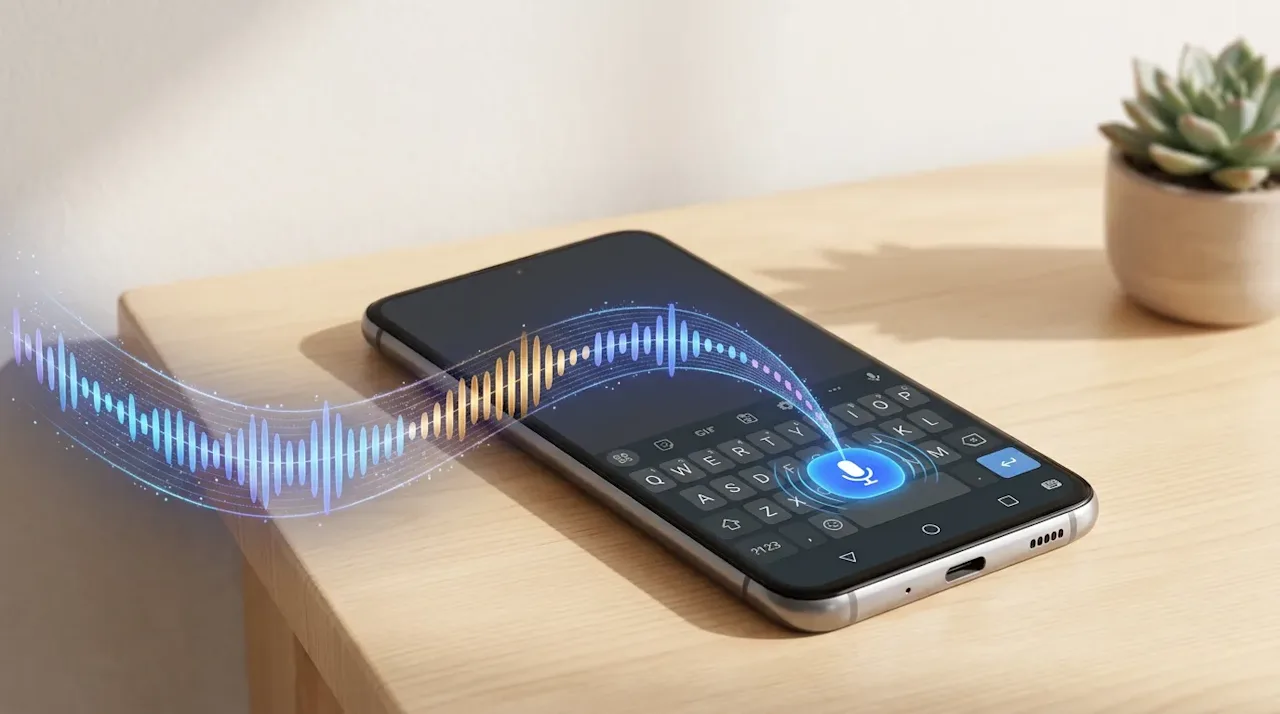
Whisper Hebrish Small ACFT is the phone-sized version of Whisper Hebrish. It's a fine-tune of openai/whisper-small.en for English speech with Hebrew words mixed in, built to run as the voice input model inside FUTO Keyboard (and FUTO Voice Input) on Android.
Because the base is the English-only small.en, it has no Hebrew tokens to drift into. Hebrew words come out in Latin script ("Reminder to call Moran tomorrow about the tza'atzuim"), never in Hebrew characters.
Why ACFT
FUTO speeds up short dictations by running Whisper's encoder over only as much audio as you actually spoke, not the full 30-second window. Stock Whisper models, and normally fine-tuned ones, break under that setting: they repeat themselves or never stop. Under FUTO's context my fine-tune scored 1.23 WER before the fix, which is unusable. FUTO's ACFT procedure retrains the model to cope with the shortened context. After ACFT it scores 0.062, and it costs nothing at full context.
GitHub Repository futo-org/whisper-acft ★ 217Jupyter NotebookMITUpdated Jun 2024 View on GitHubResults
Run through FUTO's own whisper.cpp runtime with the keyboard's exact settings, against FUTO's default top English model ("English-244"):
Code-switching WER: 11.8% → 5.8%
Unseen Hebrew terms transcribed correctly: 26% → 50%
My own plain English WER: 4.1% → 2.8%
That's within about 0.6 points of the full-size Whisper Hebrish v2 at a quarter of the parameters. The weak spot is dictations longer than 30 seconds, which score 21–27% WER, but keyboard dictation is usually shorter than that.
Install it
On the phone, download ggml-whisper-hebrish-small-en-acft-q8_0.bin (264 MB).
Open it with FUTO Keyboard, or go to Settings → Languages & Models → Import resource file.
When asked for a language, pick English. The model replaces English's voice input model.
To undo, open the same entry and choose Revert to Default.
It's trained on one speaker (me), so it may help other voices less. For a different engine, there's also an on-device Parakeet voice keyboard.
