
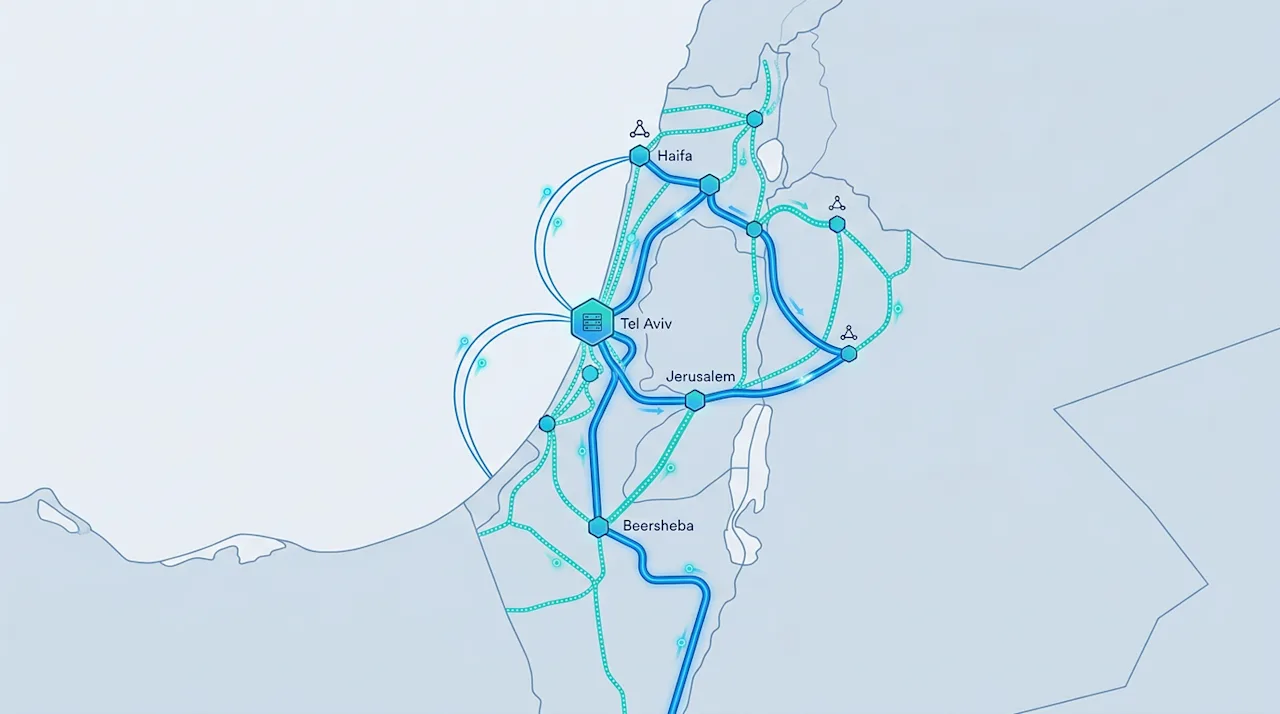
Internet connectivity in Israel can be disrupted by road construction cutting fiber cables, ISP outages, or infrastructure maintenance. For remote workers and small businesses, even brief outages can be costly. This repository documents a complete fiber + cellular failover configuration using OPNsense that provides automatic, reliable backup.
GitHub: danielrosehill/Failover-Internet-Israel-Notes
GitHub Repository danielrosehill/Failover-Internet-Israel-Notes View on GitHubWhy Fiber + Cellular?
True Redundancy — Fiber and cellular use completely separate infrastructure
Cost-Effective — Cellular data-only SIMs in Israel cost as little as ~20 NIS/month
Reliable Failover — OPNsense handles both failover and fail-back reliably
Network Architecture
Two separate WAN connections enter OPNsense through different interfaces. OPNsense monitors both gateways by pinging external DNS servers. Traffic routes through fiber (primary) under normal conditions, with automatic failover to cellular when fiber fails and automatic fail-back when it recovers.
Hardware Requirements
The guide includes a complete shopping list with Israeli pricing:
Mini PC Router — 4-port 2.5GbE NICs for OPNsense (400-600 NIS)
Cellular Gateway — 4G/5G modem with SMA antenna support (150-800 NIS). Budget: generic AliExpress CPE. Gold standard: Teltonika RUT240/RUTX50
2.5G Switch — Managed or unmanaged (200-400 NIS)
UPS — For network equipment (300-500 NIS)
Data-only SIM — Pelephone recommended, plans from ~20 NIS/month
Bezeq Fiber Gateway Setup
Bezeq provides a Heights Telecom HT-360AX gateway. Key steps:
Use the blue 2.5Gbps port (not the yellow 1Gbps ports)
Access at 192.168.1.1, password is last 6 digits of serial number
Disable DHCP server (OPNsense handles DHCP)
OPNsense Configuration
Three interfaces are configured:
WAN (Bezeq Fiber) — Static IP 192.168.1.2/24, MTU 1492 (required for Bezeq)
WAN2 (Cellular) — DHCP or static on a different subnet (e.g. 192.168.188.2/24)
LAN — 10.0.0.1/24 with DHCP range 10.0.0.100-250
A gateway group (WAN_Failover) is created with Bezeq as Tier 1 and Cellular as Tier 2, using different monitoring IPs (e.g. 8.8.8.8 and 1.1.1.1). Hybrid outbound NAT rules are configured for both WAN interfaces.
Testing Failover
The guide walks through a complete test procedure: start a continuous ping, disconnect primary fiber, observe ~30 second failover to cellular, then reconnect fiber and verify fail-back. The fail-back test is critical — TP-Link multi-WAN routers like the ER605 often fail at this step, which is why OPNsense is recommended.
Summary
The result is automatic, reliable failover that switches to cellular when fiber fails, returns to fiber when it recovers, and requires minimal ongoing maintenance. The full guide with screenshots, wiring diagrams, and a downloadable PDF is available in the repository.
